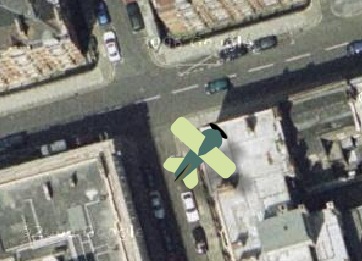
Goggles is a site that uses Google Maps to simulate flying over a certain area. You can choose the starting point from a list of cities (but also
define a custom starting point) and control the direction and the altitude using the arrow keys. You can also fly over the moon and Mars.
If you want to end "the game", right-click and select "Play".

That is a great post about google maps. I am an airplane pilot and this is a great tool. Thanks...
ReplyDeleteGreat post! This tool is a lot of fun but beware flying towards the ground at speed produces a predictable result (i.e. Earth 1, Aircraft 0). :)
ReplyDeleteWell, it's fantastic. However, the setup for customization of starting point is a bit complicated. Unnecessarily. If using Firefox, just zoom in at your desired location, using Google Maps and then look at "Page Information", available from either right-click menu (mouse off the map) or from Tools menu. Here, you'll find the picture as well as its selectable URL. Much easier, IMO.
ReplyDeleteHere's another one. Not as sophisticated but on Google Maps/Earth. Fly around the world and control speed, altitude en cameraangle. Press space-bar for launching a missile.
ReplyDeleteGo to http://www.gee-map.com/index_en.html
http://www.gee-map.com/index_en.html doesn't work
ReplyDeleteomg i like cant play this game how do u ahhhhhh its frustrating but o well i have a wii xbox xbox360, ps3 so i dont need these flash games thanks for wasting my time well i was commenting i was wasting my own time......... akward :( anyways i was looking for a great flight simulator online that uses google maps but this one is not great its its poo well thanks anyways good luck on the sight and i know this comment was long but come on at least it gives both of us somthing to do right? you know your reeding it and i waas type... you know im sorry :(
ReplyDeleteIt doesn't work fdor me. It never opens ahhh so frustrated
ReplyDelete